ICCID Number
Check ICCID Number to understandYOUR SIM OR eSIM PROFILE
An ICCID identifies a SIM card or eSIM profile, not your phone. Enter 19 or 20 digits to check the format, Luhn checksum, and issuer prefix against our reference database. Results do not confirm activation, ownership, or authenticity.
Find your number and understand the results
Before you check
Follow the guide to finding your ICCID or compare ICCID locations on your SIM and device. If you are unsure which identifier to copy, learn how the ICCID relates to your SIM card.
After you check
Use our worked examples of ICCID lookup results to understand format, checksum, and issuer matches. Preparing a SIM for service? Follow the pre-activation checklist; a successful lookup alone cannot confirm that your SIM is active.
The numbering structure is defined by ITU-T E.118. Issuer-prefix information is a reference, not a live account or network-status check.
What is an ICCID number?
ICCID stands for Integrated Circuit Card Identifier. It identifies a physical SIM card or an eSIM profile; it is different from an IMEI, which identifies a device.
The main fields of an ICCID are:
MM + CC + II + N + C
Field lengths vary. This checker accepts 19- and 20-digit inputs, checks the final digit with Luhn, and looks for a matching issuer prefix. Passing these checks does not prove full E.118 compliance or assignment to a real SIM.
MM–Major Industry Identifier: 89 identifies telecommunications.
CC–Country calling code under ITU-T E.164, using 1–3 digits. This is not the MCC in an IMSI and does not reveal the SIM’s current location.
II–Issuer identifier. Together with the industry and country codes it forms the issuer prefix; it is not an IMSI Mobile Network Code (MNC).
N–Individual account identification digits assigned by the issuer to distinguish the SIM or profile.
C–Check digit used for Luhn error detection. A passing checksum does not establish activation, ownership, or authenticity.
How to find your ICCID number
Check your SIM packaging, the physical SIM, or your phone’s settings. Availability depends on the carrier and device.
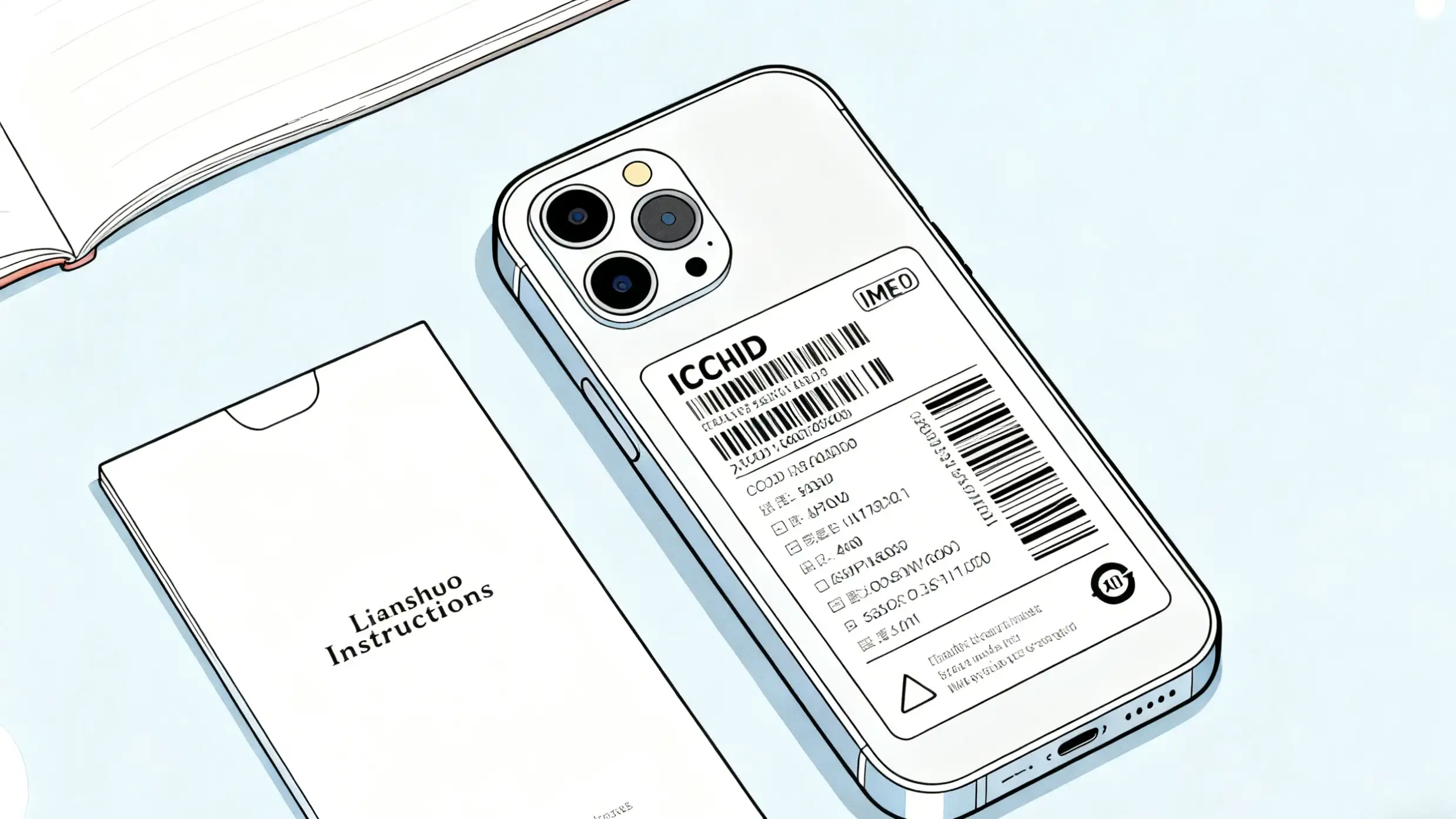
📦Check the SIM packaging
The SIM carrier card or carrier-provided packaging may show the ICCID. A phone’s retail box may show only the IMEI or device serial number, so do not assume those numbers are the ICCID.
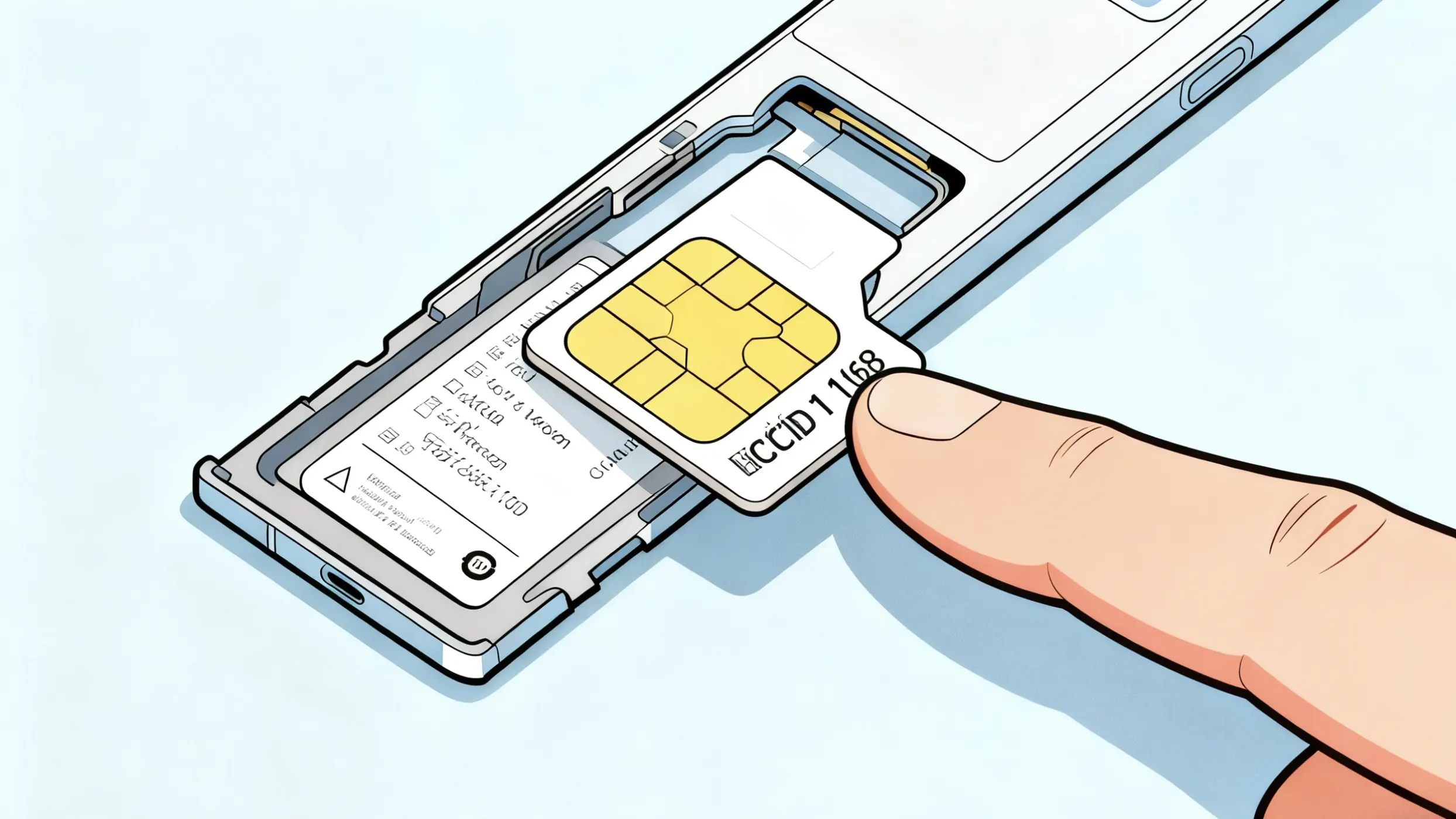
💳Check the physical SIM card
The ICCID may be printed on the SIM card itself. If the digits are incomplete or too small to read, compare them with the SIM packaging or carrier account.
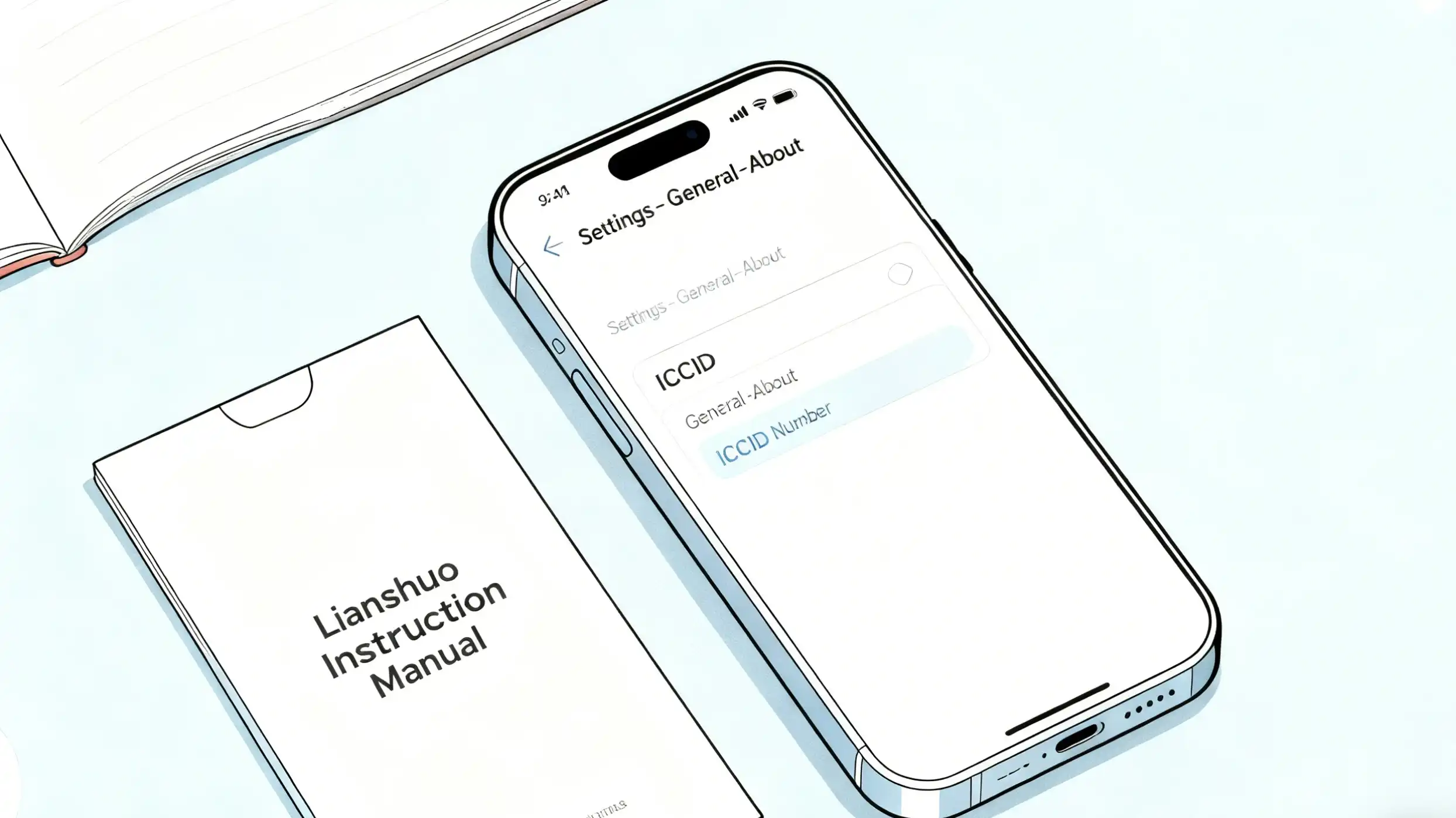
⚙️Check your phone’s settings
On an iPhone with a SIM or eSIM profile installed:
- •Open Settings.
- •Go to General.
- •Tap About.
- •Look for ICCID under the relevant SIM or eSIM details. Android menus and availability vary.
Iccid Number Tools
We've created three easy-to-use tools to help you with your ICCID needs! Whether you want to check, generate, or validate ICCID numbers, we've got you covered!
ICCID Number Checker
Check a 19- or 20-digit ICCID for format, Luhn checksum, and a recognized issuer prefix. Issuer information comes from a reference database and may be incomplete.
ICCID Number CheckerICCID Number Generator
Generate sample identifiers for testing and development. A number that passes a checksum is not proof of a carrier-issued or activated SIM.
ICCID Number GeneratorICCID Validator
Check an ICCID’s Luhn checksum to help detect copying errors. This does not establish whether a SIM is genuine, active, or owned by a particular person.
ICCID Validator